> For the complete documentation index, see [llms.txt](https://docs.enlyze.com/llms.txt). Markdown versions of documentation pages are available by appending `.md` to page URLs; this page is available as [Markdown](https://docs.enlyze.com/en/resources/production-hierarchy/sites.md).
# Sites
Sites group your production environment by physical location.
A **site** is the top-level grouping of your production environment in ENLYZE. It can represent:
* a physical production plant,
* an individual factory,
* a sector or department within a larger facility.
## Why sites matter
Sites allow you to isolate and manage data based on physical or logical production zones. Each site is clearly separated within the platform, enabling you to focus on the performance of a specific area.
{% hint style="info" %}
An [edge device](/en/resources/data-infrastructure/edge-devices.md) can only belong to one site. If you want to organize your production into separate sites, you need at least one edge device per site and must make sure the machine PLCs for that site are reachable by the corresponding edge device.
{% endhint %}
You encounter sites in both areas of the [ENLYZE App](/en/resources/resources.md), with different purposes: in the **Platform** area you manage them across all sites, while in the **App** area you select a single site that all data is scoped to.
## Sites in the Platform area
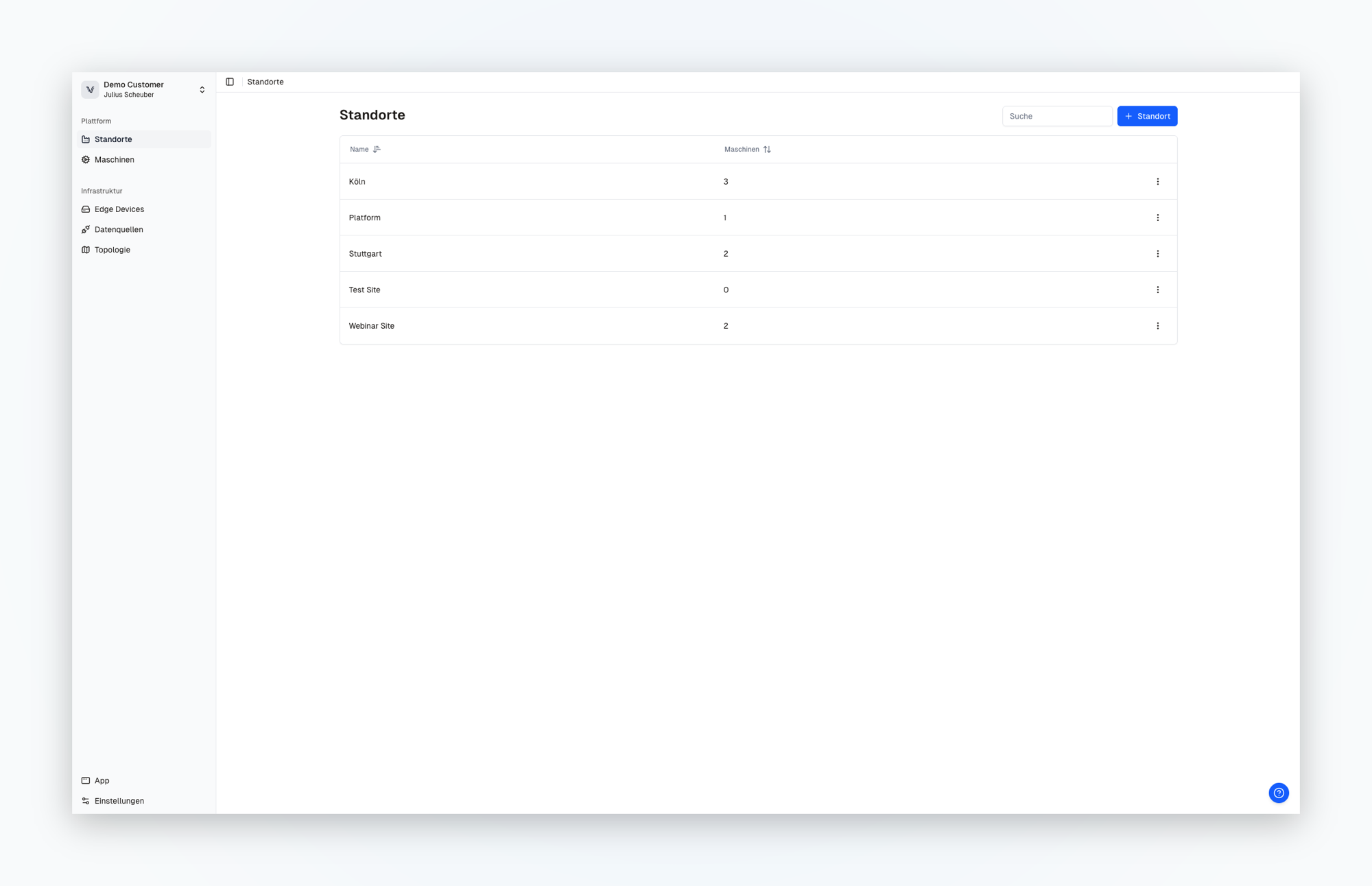
In the Platform area, the sites overview shows all sites in your organization as a table, each with the number of machines assigned to it. This is where you manage your infrastructure across all sites: machines, data sources, and edge devices are shown across all sites of the entire organization. The detail view of a site shows its machines and the connection status of their data sources (online, offline, or unknown).
The Platform area lists all sites of the organization.
[**Open in the app**](https://app.enlyze.com/platform/sites)
## Selecting a site in the App area
In the App area, which operations users work with, you first select your site. Unlike the Platform area, all data, metrics, and insights here are scoped to the selected site, so each person sees exactly the production of their site.
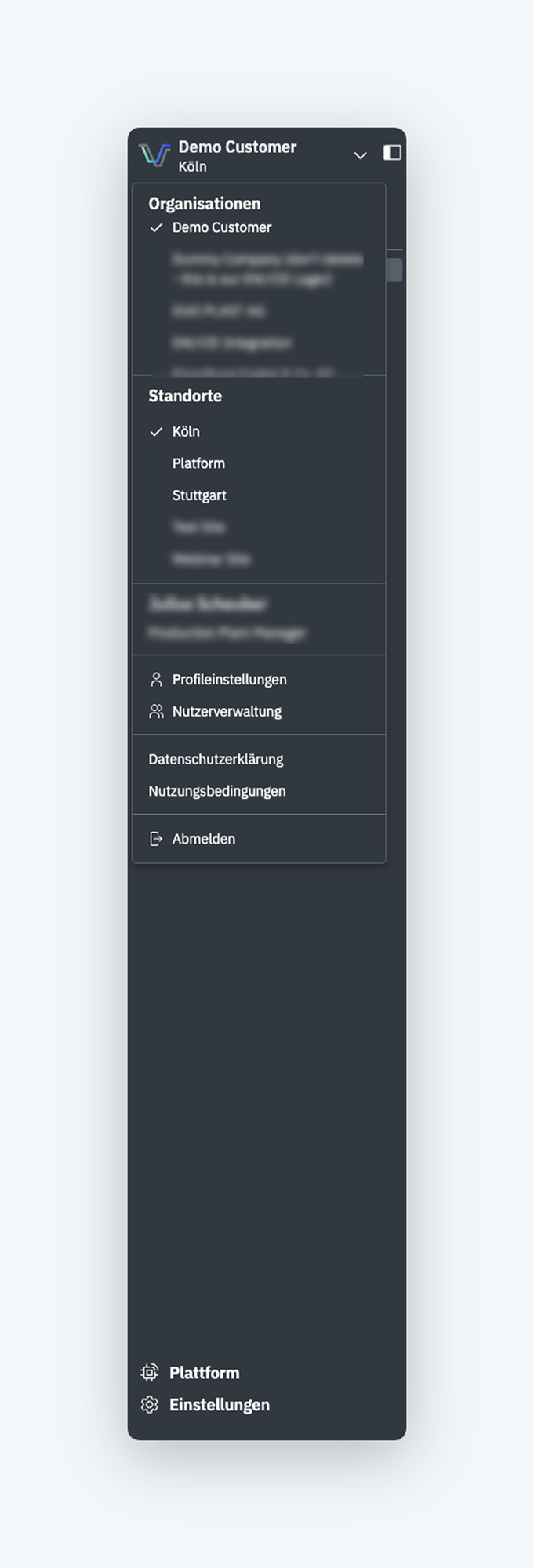
You switch sites through the menu in the top left: there you first select the organization and below it the site.
In the App area you select organization and site; all data is scoped to the selected site.
## Relationships
* A site contains one or more [machines](/en/resources/production-hierarchy/machines.md).
* The [edge devices](/en/resources/data-infrastructure/edge-devices.md) that connect data sources at a site are assigned to it.
How to scope sites and machines for your specific case is explained in the [Modeling your production](/en/resources/production-hierarchy/machines.md#modeling-your-production) section.