> For the complete documentation index, see [llms.txt](https://docs.enlyze.com/llms.txt). Markdown versions of documentation pages are available by appending `.md` to page URLs; this page is available as [Markdown](https://docs.enlyze.com/en/resources/production-context/production-runs.md).
# Production runs
Manage production runs in the ENLYZE Platform.
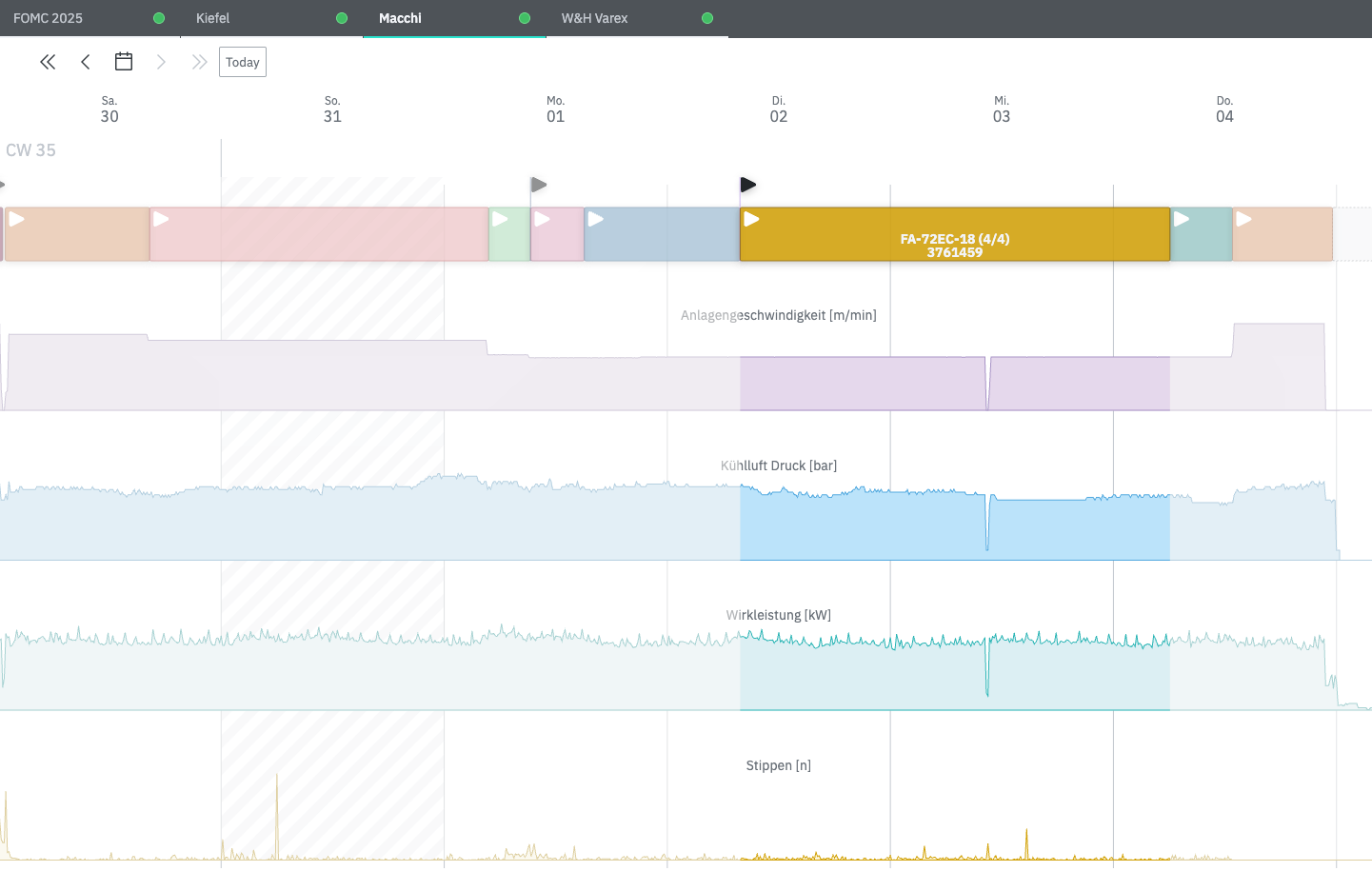
In ENLYZE, a production run is a core concept for tracking performance and calculating key metrics such as **OEE** (Overall Equipment Effectiveness).
Production runs give **context** to the machine data. This way each recorded data point is mapped to a specific product for which certain production conditions can be expected.
## Production runs in ENLYZE
A production run in ENLYZE is defined by the following characteristics:
* It is assigned to a machine registered in ENLYZE,
* It produces one [product](/en/resources/production-context/products.md), and
* Once it has started, it is executed uninterrupted between a clearly defined start and end time.
Runs that belong to the same product are used within ENLYZE in several useful ways:
* They are measured against a common product threshold to determine the performance.
* Computation of the [quality](/en/concepts/understanding-oee/quality.md) KPI.
* Identification of the [Golden Run](/en/production-optimization/golden-run.md).
* Product-specific process control thanks to the [setup sheet](/en/production-optimization/setup-sheet.md) and the [Co-Pilot](/en/production-optimization/co-pilot.md) feature.
Additionally, production runs are the basic entity to calculate and track OEE. Here you can learn more about how the OEE and its components are calculated for a production run.
### Planned production runs
A production run does not have to exist only once it starts. You can book one ahead of time, with a planned start and end instead of an actual one, to reserve a machine for a product before production begins.
A run counts as **planned** for as long as it has no actual start. There is no separate step that marks it as started: as soon as the machine actually starts producing, ENLYZE treats it as an actual run from then on, and that switch cannot be undone.
By default, only actual runs show up. In the [API reference](/en/enlyze-api/api-reference.md), the `production-runs` endpoint returns runs with `state=actual` unless you also ask for `state=planned`. A planned run's window is available in `planned_start` and `planned_end`; `start` and `end` stay reserved for the actual run and are `null` while a run is still planned.
### Uniqueness of Runs
A production run in ENLYZE must be labeled uniquely. This is necessary to perform the calculations that run behind the scenes. The requirement applies to all runs across all products, machines, and sites.
Nevertheless, there are plenty of real-life situations in which a production order repeats in time or across different machines. These are some common cases and how we solve them.
#### Charges and Batches
A single production order might be completed in separate charges or batches due to size, storage, or downstream process constraints. Batches of the same order aren't always produced consecutively, and it is common to see production orders that are executed in several periods.
{% hint style="success" %}
**Our solution**\
We define partial order names. This way the production run remains unique but you can always keep track of the different blocks of your order.
{% endhint %}
#### Traceability
A production order is processed in multiple machines. To keep traceability, the order often preserves its name and repeats across machines.
{% hint style="success" %}
**Our solution**\
We add a prefix or a sufix to the orders that matches the machine they are running at, e.g. EX1-FA-72EC and EX2-FA-72EC.
{% endhint %}
## Related Pages
{% content-ref url="/pages/5PZrQgHPGnZFXqKiGW5r" %}
[IT-Connectivity](/en/connect/it-connectivity.md)
{% endcontent-ref %}
{% content-ref url="/pages/63km9jYvbcVnwJvoTINq" %}
[Analyze overlapping production runs](/en/production-optimization/data-quality/overlapping-production-runs.md)
{% endcontent-ref %}